Desktop Products: | |
| |
| |
| Process Automation: | |
| |
| Software Development: | | | | | |
| |
Solid or Cute?
Stop for a second and consider what's in a name. Then scroll down and see the actual feature difference between the free versions of each of these PDF writer products.
sol·id (sŏl'ĭd)
adj. sol·id·er, sol·id·est
- Substantial; hearty: a solid meal.
- Sound; reliable: solid facts.
- Financially sound.
- Of good quality and substance: a solid foundation.
- Slang Excellent; first-rate.
- Upstanding and dependable: a solid citizen.
cute (kyōōt)
adj. cut·er, cut·est
- Delightfully pretty or dainty.
- Obviously contrived to charm; precious.
- Shrewd; clever.
| |
|
 |
| 
|
| Product Features: |
FREE 'Cute' |
FREE | $29.95
| $49.95
| | | | |  |  |
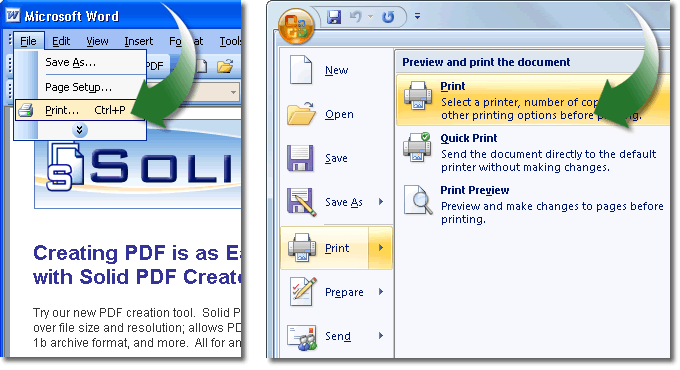
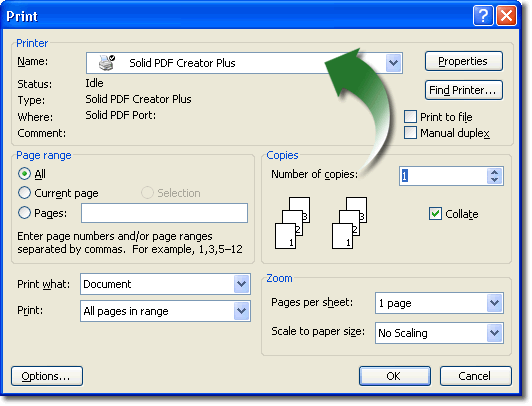
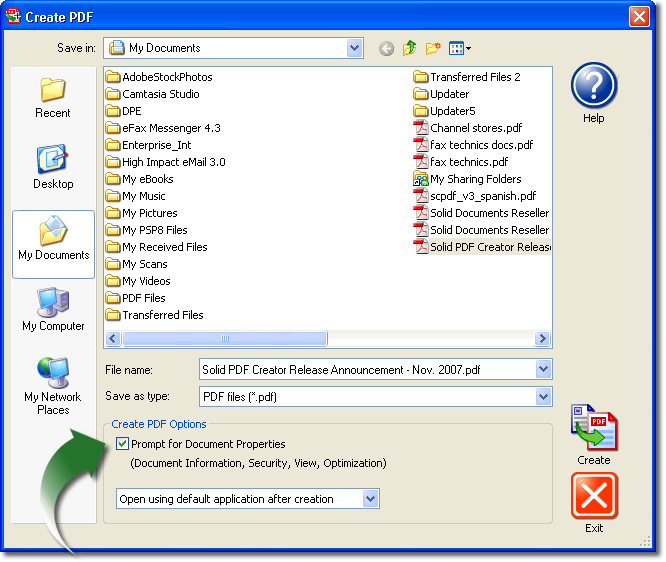
 | Print to PDF. Create PDF files easily from any Windows-based program. |
| | | | |
 | Custom Page Settings. Create PDF files with custom pages sizes, margins and orientation. |
| | | | |
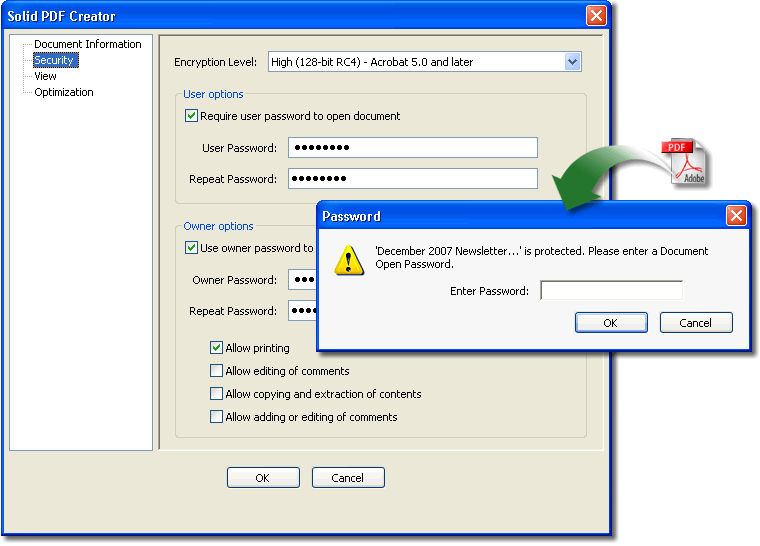
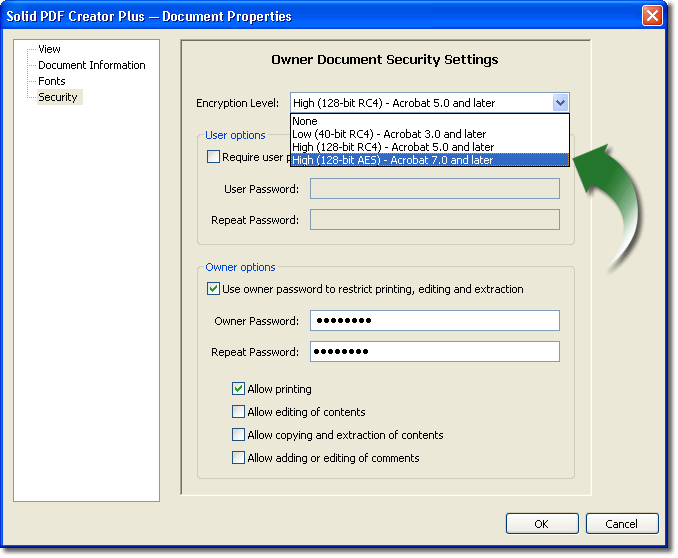
 | Encrypt your PDFs. Secure your PDF files using 128-bit RC4 or AES encryption algorithms. |
| | | | |
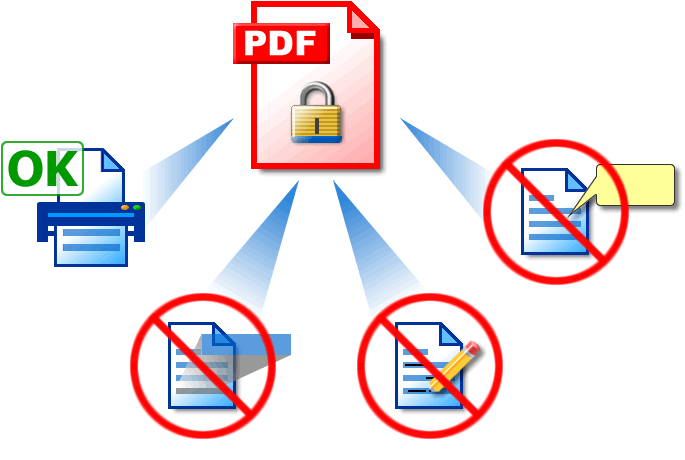
 | Set PDF Permissions. Control which users can read, print, edit, copy or comment your PDF files. |
| | | | |
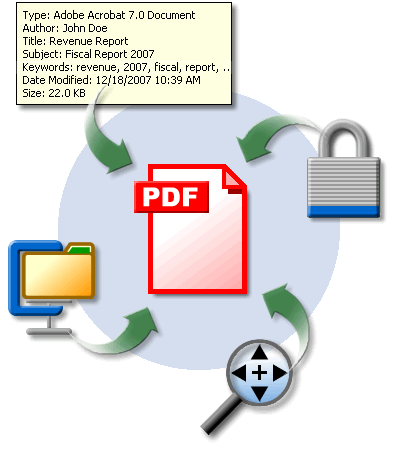
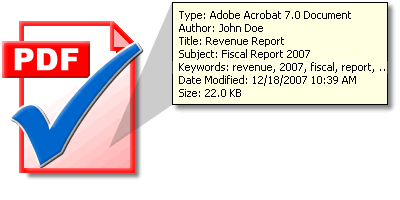
 | Set Document Properties. Define Title, Author, Subject and Keywords to help organize your documents. |
| | | | |
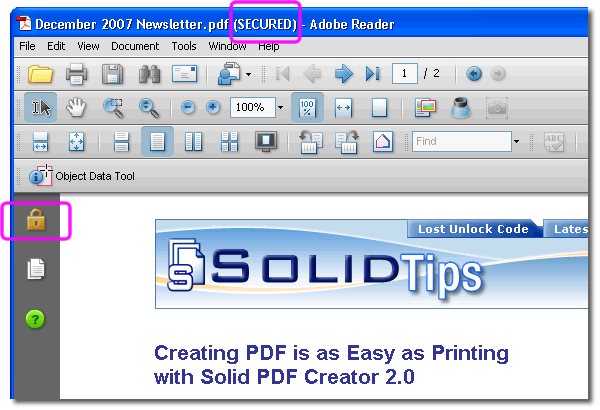
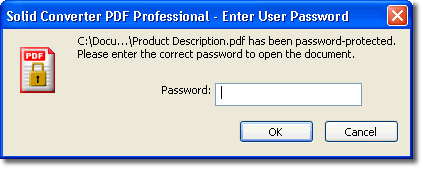
 | Password-Protect your PDFs. You can restrict who can view, edit, copy, print or add comments to your document. |
| | | | |
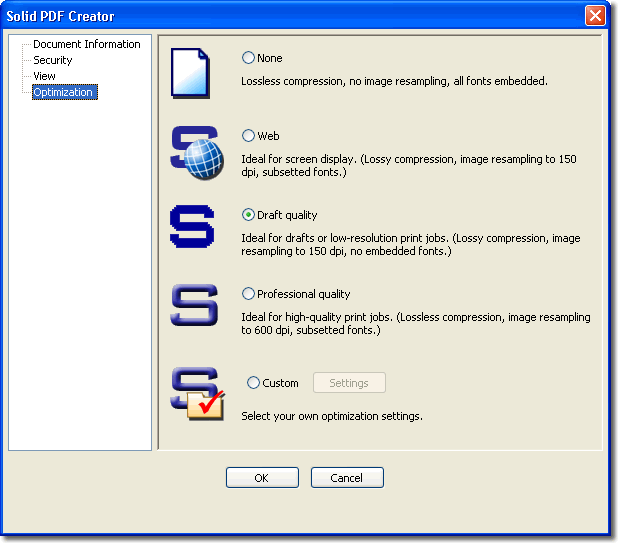
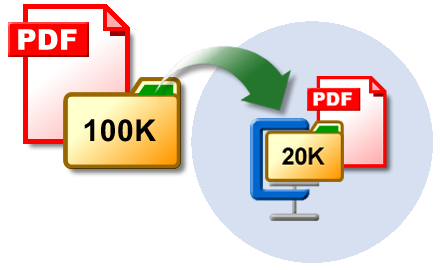
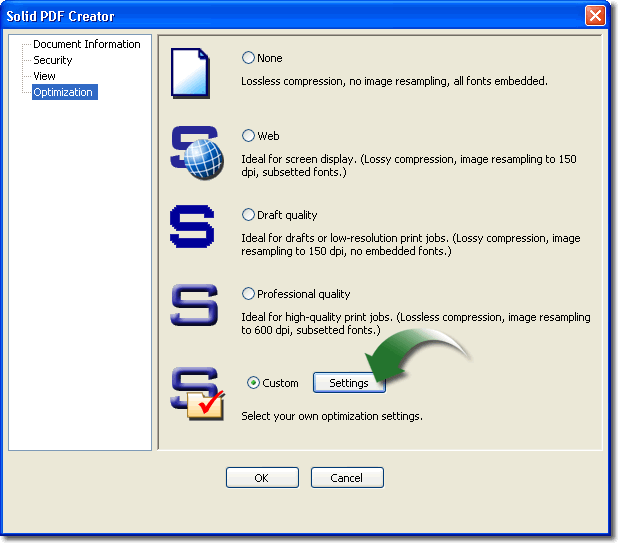
 | Reduce File Size. Keep your PDFs small with our compression options. Optimize file size for Web or print while preserving an appropriate level of quality. |
| | | | |
 | Acrobat Reader Settings. Set default view including page layout, initial zoom and page thumbnail view. |
| | | | |
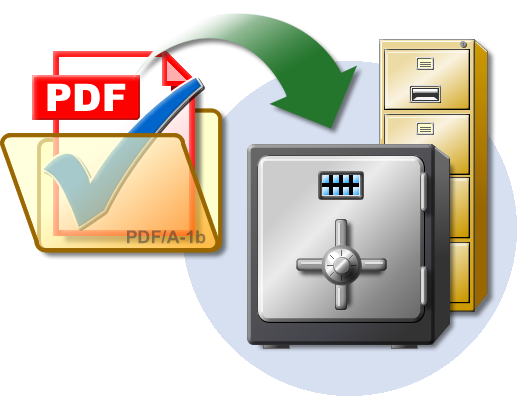
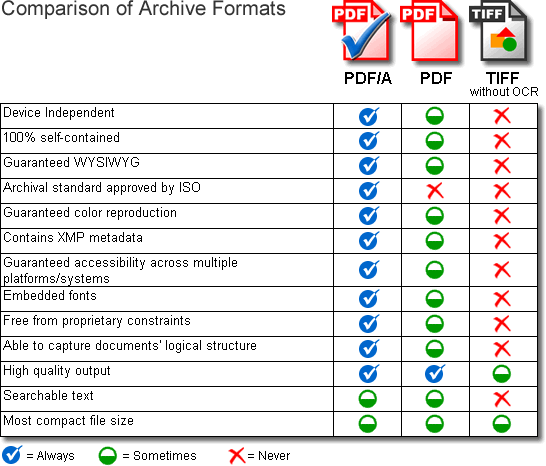
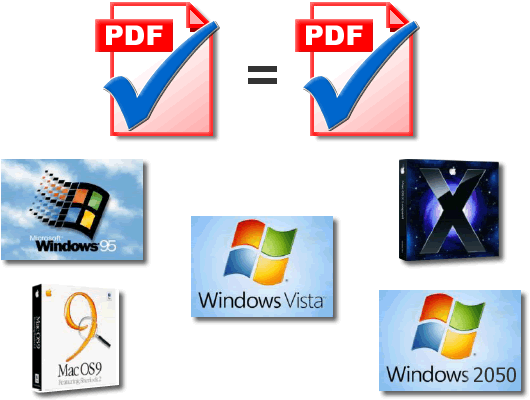
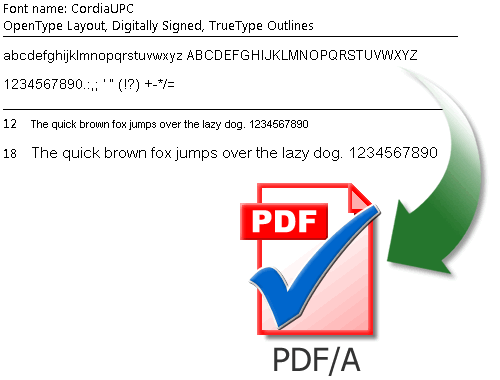
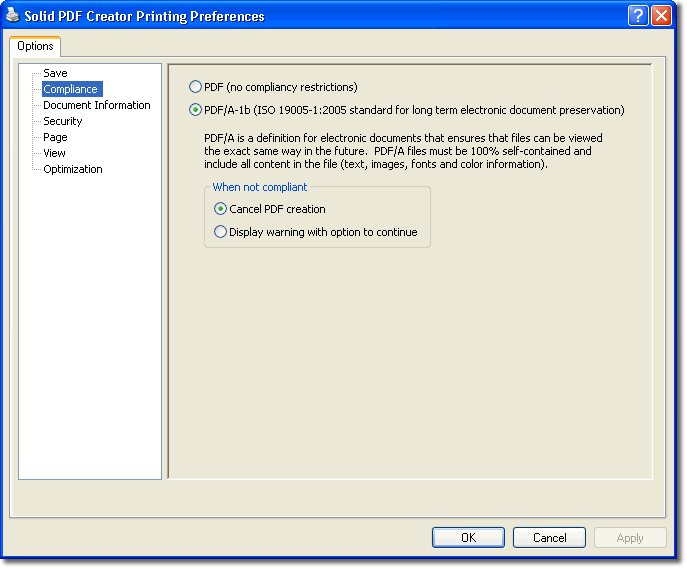
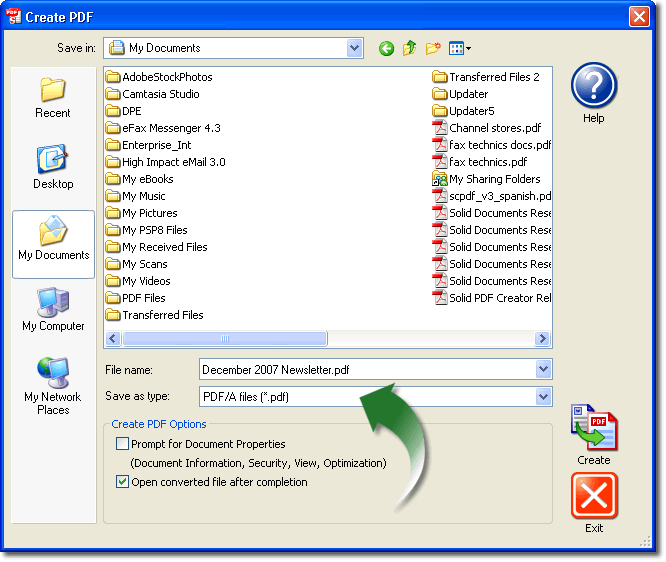
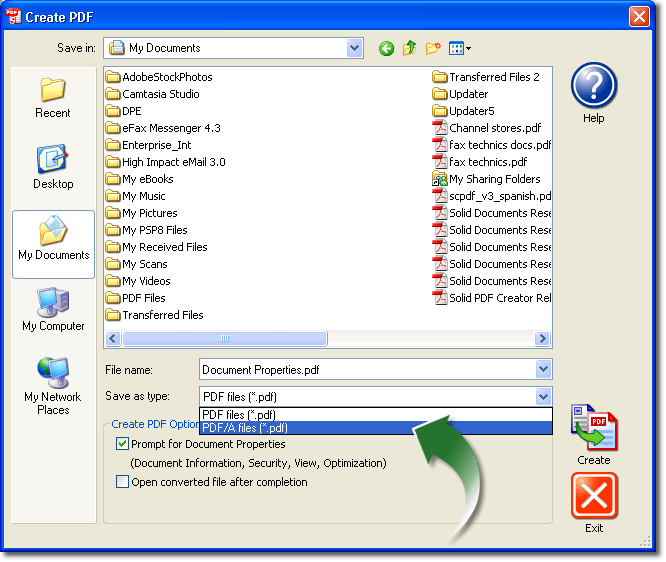
 | Archive Using PDF/A. Create PDF/A documents which are fully compliant with current ISO archiving standards. |
| | | | |
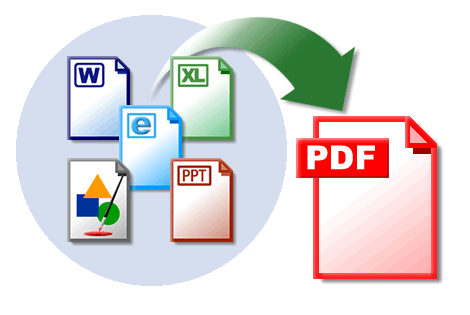
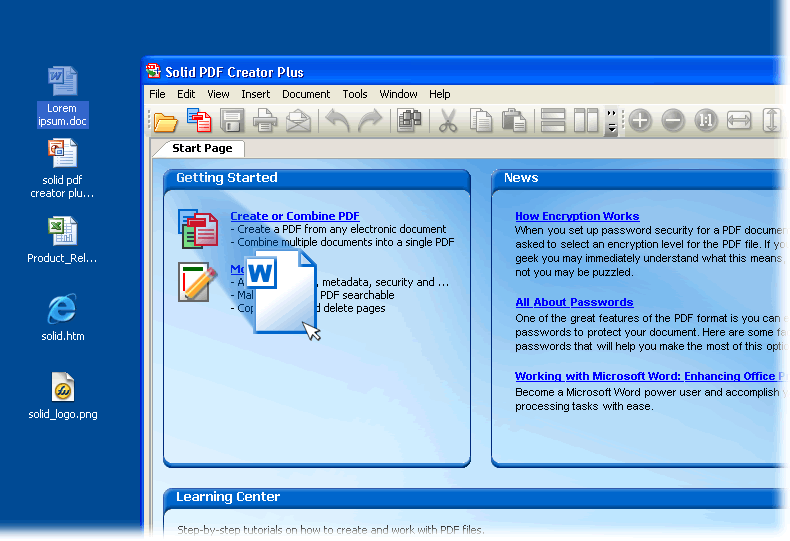
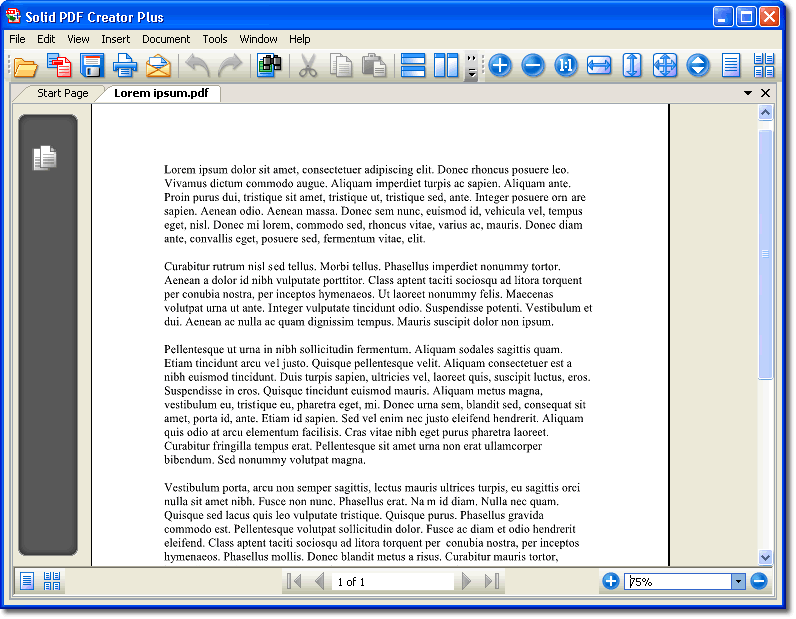
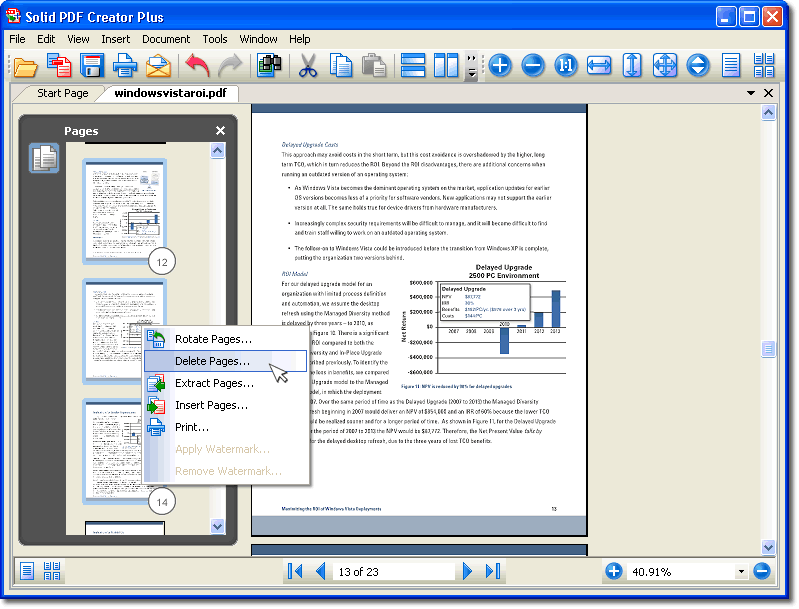
 | PDF Creation. Simply drag and drop. Easily create PDFs from your documents. WYSIWYG user interface. |
| | | | |
 | WYSIWYG User Interface. Multiple document PDF UI for page-level manipulation operations. |
| | | | |
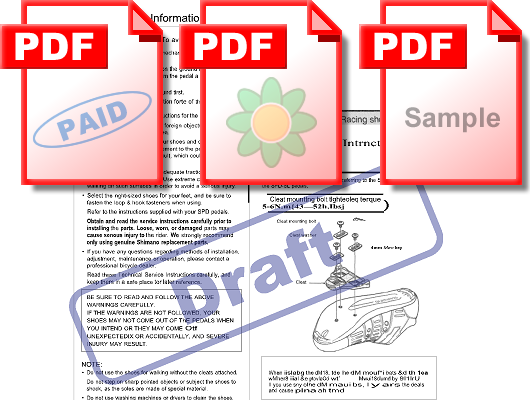
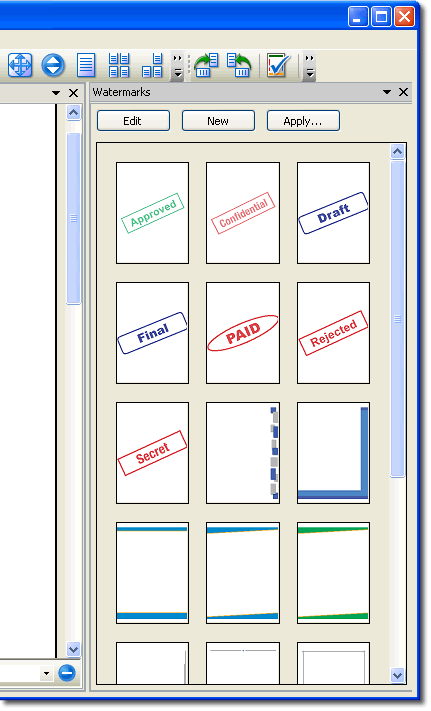
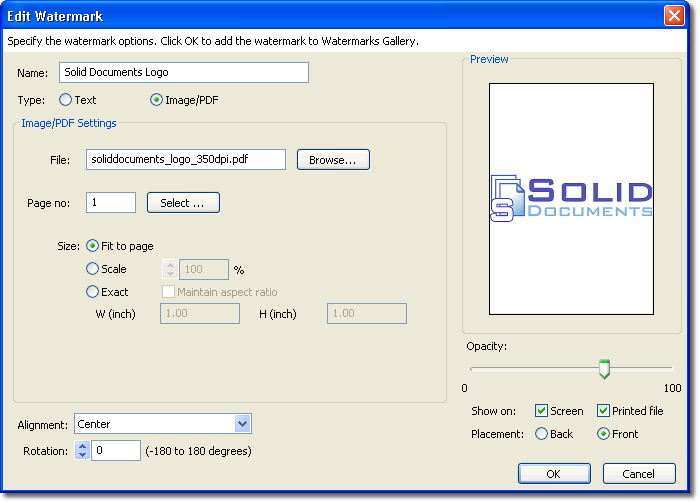
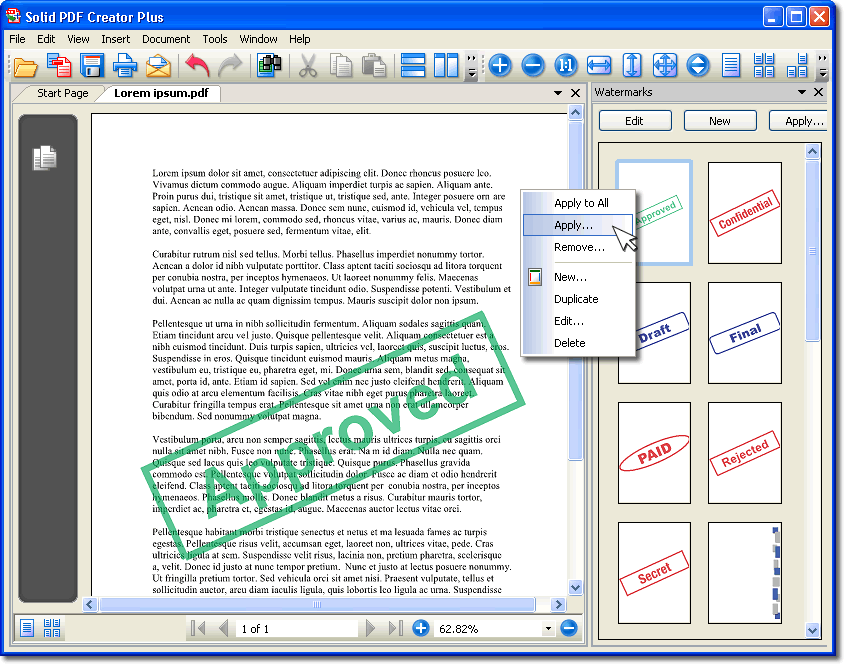
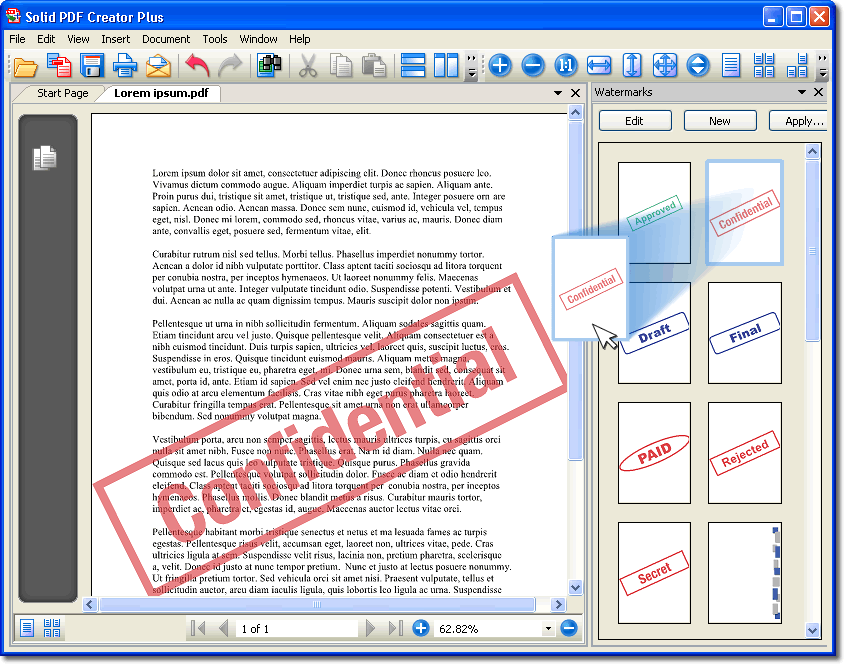
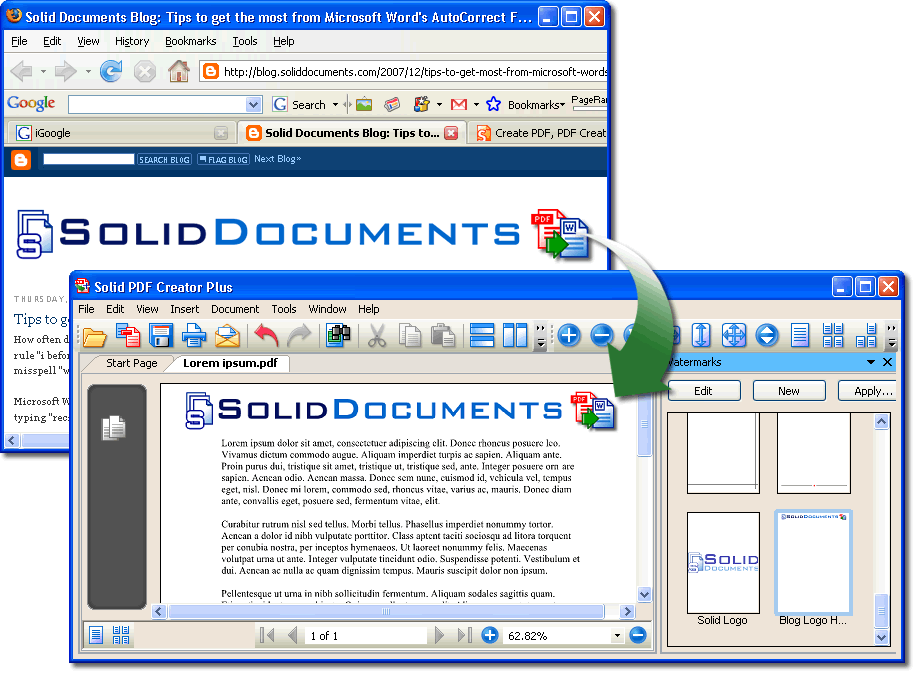
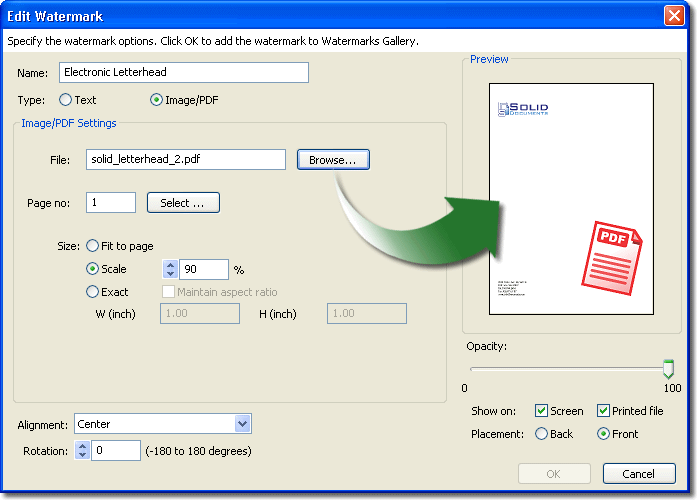
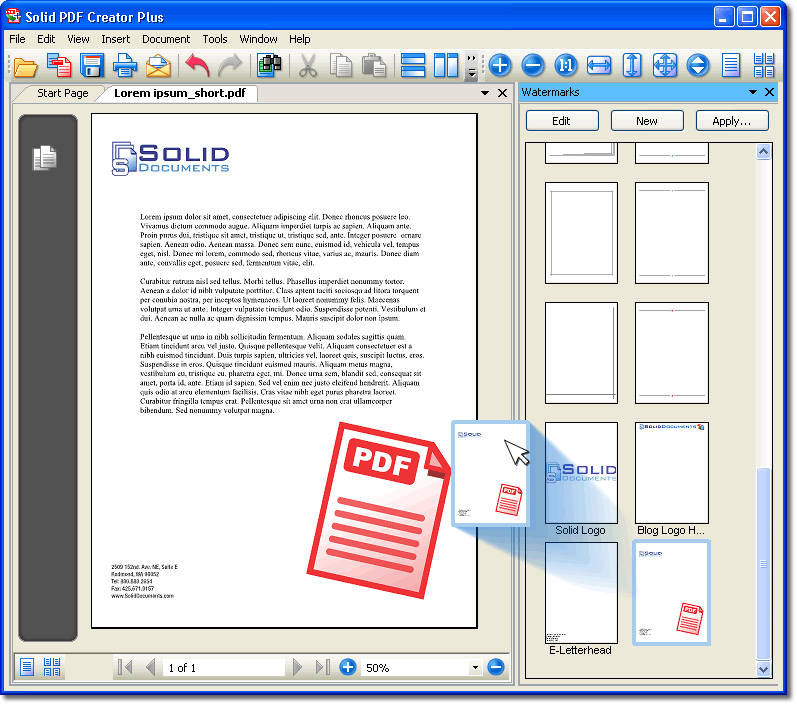
 | Watermarks. Pre-defined and custom watermarks. Text stamps, images or PDF overlays. Electronic letterheads. |
| | | | |
 | Combine. Combine multiple documents into a single PDF file. Combine PDF files. |
| | | | |
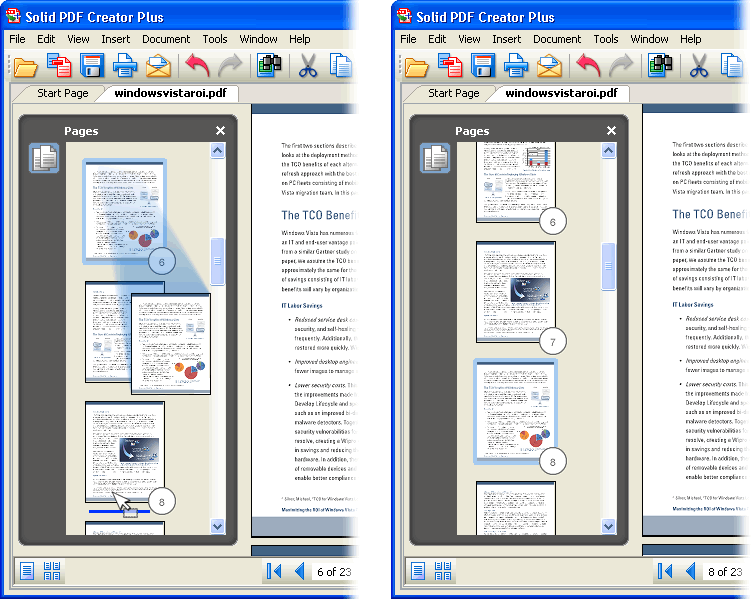
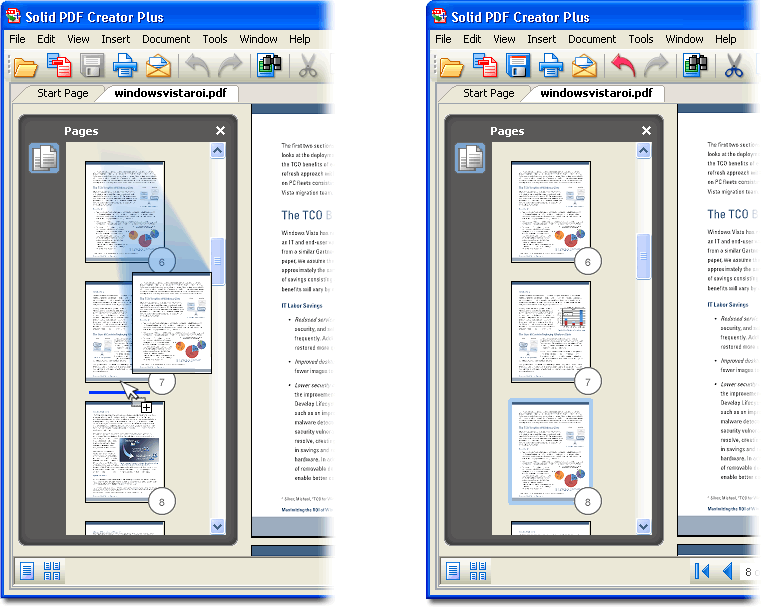
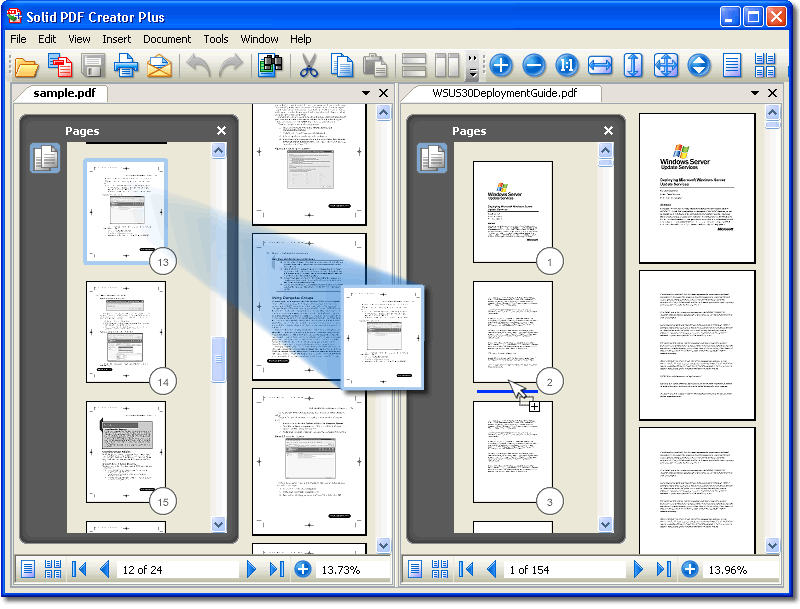
 | Rearrange Pages. Use drag and drop to rearrange page order in a file or between multiple files allowing selective conversion. |
| | | | |
 | Extract Pages. Extract pages from a PDF file as a single new PDF or as multiple new PDFs for each page. |
| | | | |
| | | | | |
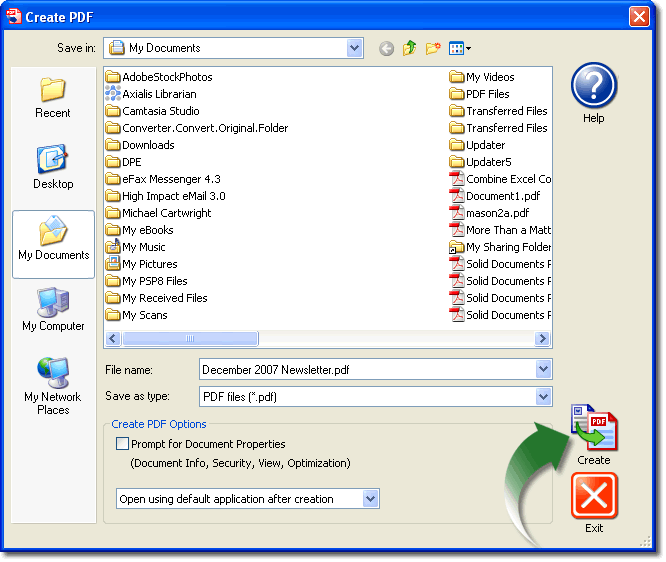
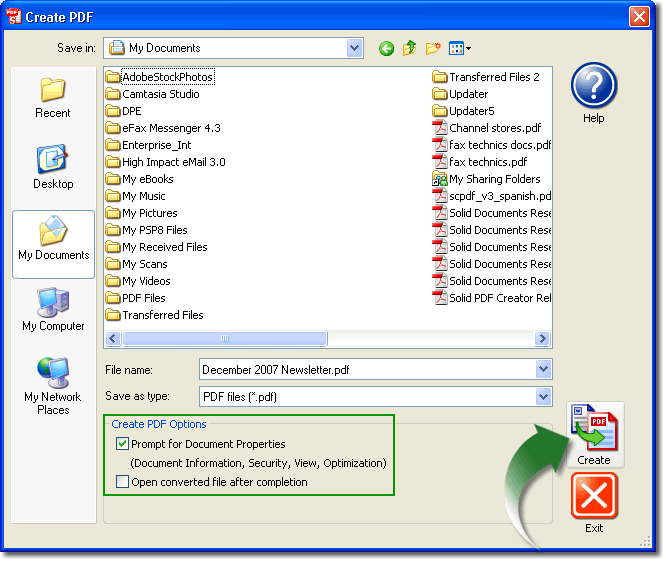
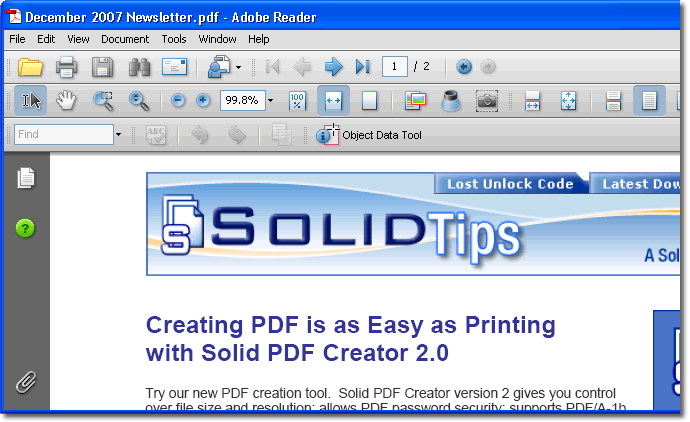
The download of Solid PDF Creator is a fully functional FREE PDF creator. After a brief nag screen Solid PDF Creator creates high quality PDF files complete with encryption, password protection, document properties, viewer settings and quality/size optimization.
No trial watermark. No expiration. No adware. No Spyware. No tricks. Just Solid PDFTM. Test drive the FREE Solid PDF Creator: download.
And for just $29.95 you can also have PDF/A-1b file creation for ISO 19005-1 compliant archivable PDFs.
For $49.95 you get our leading PDF creation and manipulation solution. |