Desktop Products: | |
| |
| |
| Process Automation: | |
| |
| Software Development: | | | | | |
| |
  |
Makkelijk PDF-documenten maken | | |
|
-
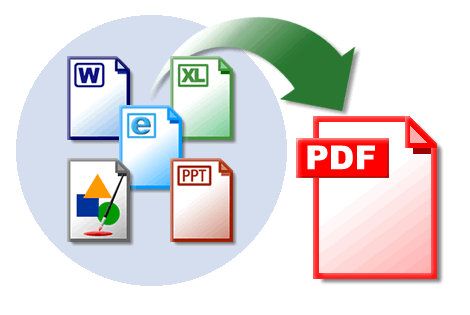
missing string creates PDF documents from most programs . Almost any Windows application that can print a document will work with missing string to easily create PDF documents.
-
Creating PDF documents with missing string is Easy . Simply open a document in your Windows application…
-
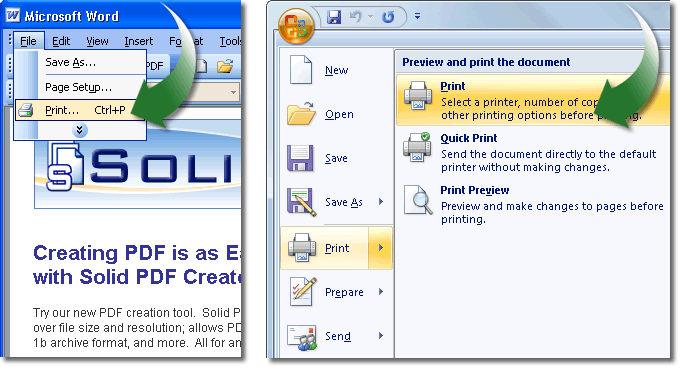
Opening the Printer Dialog. In most applications you can select File | Print...
In Word 2007 you can select the Office Button | Print | Print...
-
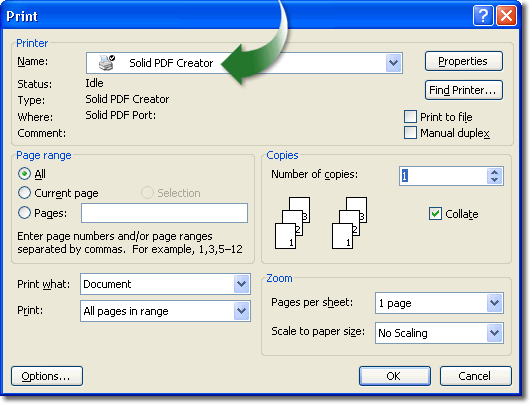
Printing to the missing string Printer Driver. Select the missing string printer driver and click OK…
-
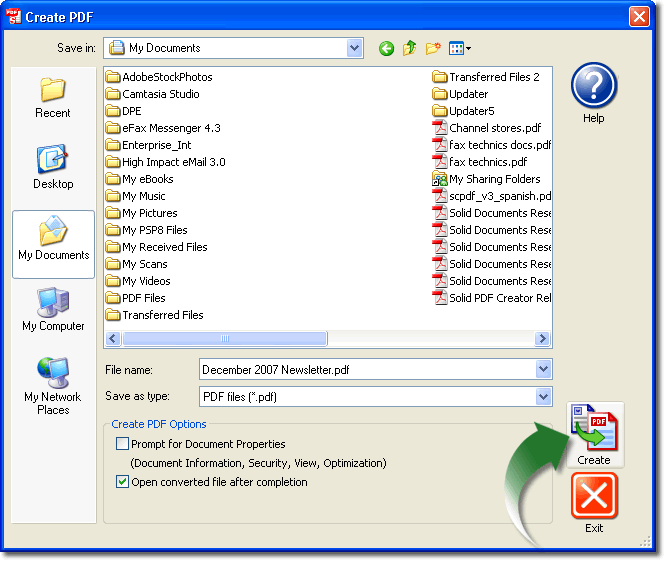
Naming the PDF file in the Create PDF Window. Name the PDF file and click the Create button. Check the 'Prompt for Document Properties" to add security settings, document information, etc.
-
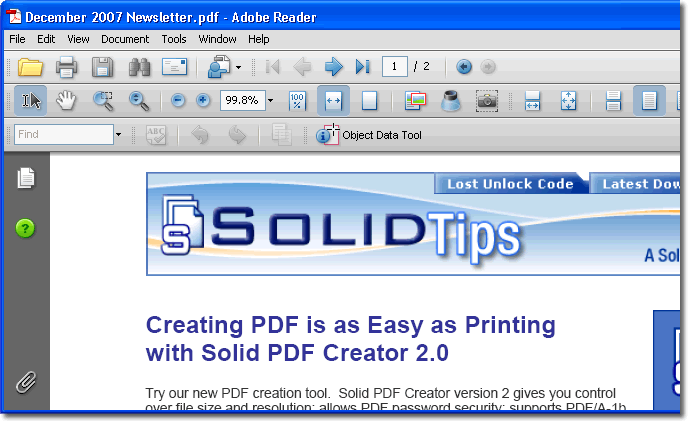
The Created PDF document opens in your PDF Reader. View your new document in your PDF Reader.
|
|
|
|