-
Document Properties. Document Properties allow you to control who can view, edit and add comments to your document. You can also Optimize your document with Solid PDF/A Express, improving the output quality based on its intended use.
-
Create PDF Options. Select the Prompt for Document Properties check box and click Create to access the PDF Options dialog screen.
-
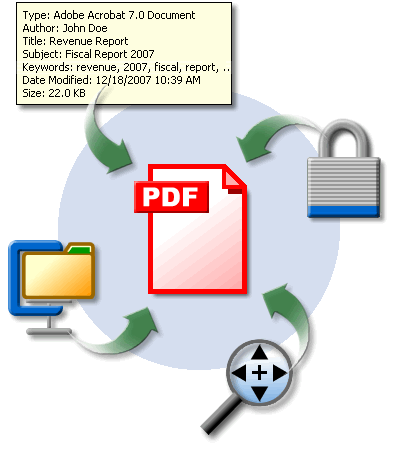
Document Information. On mouse-over, document specific information will be displayed. In addition, search utilities can look for this information, allowing you to quickly find relevant documents.
-
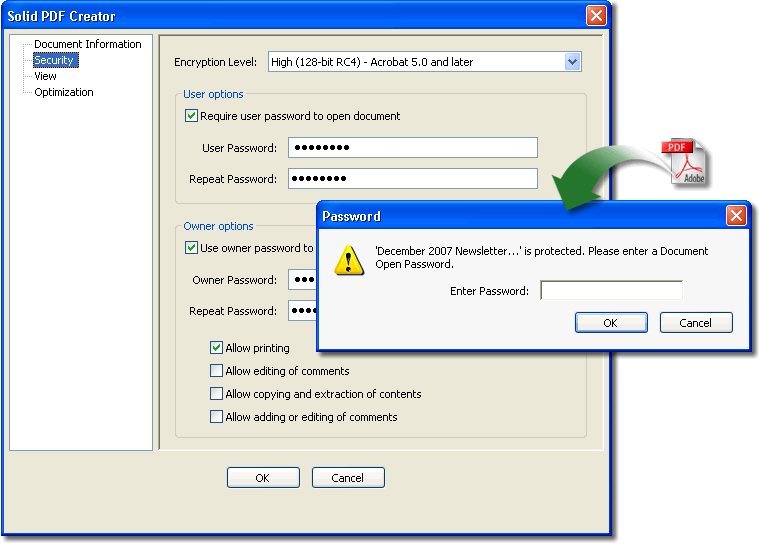
Security. Not all of the documents you create are intended for the same audience. You can add security to control who can view, print, edit, copy or add comments to your PDF documents.
-
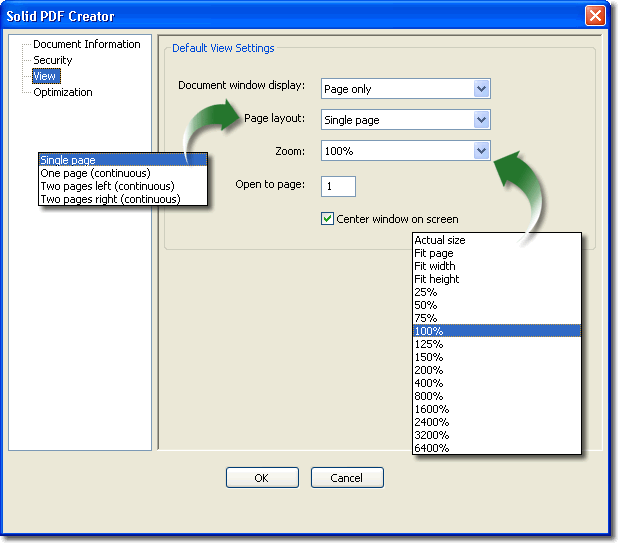
View Settings. Specify exactly how you would like your document to be displayed when opened. You can use this to give your readers the first impression you want, as well as make your document easier to read.
-
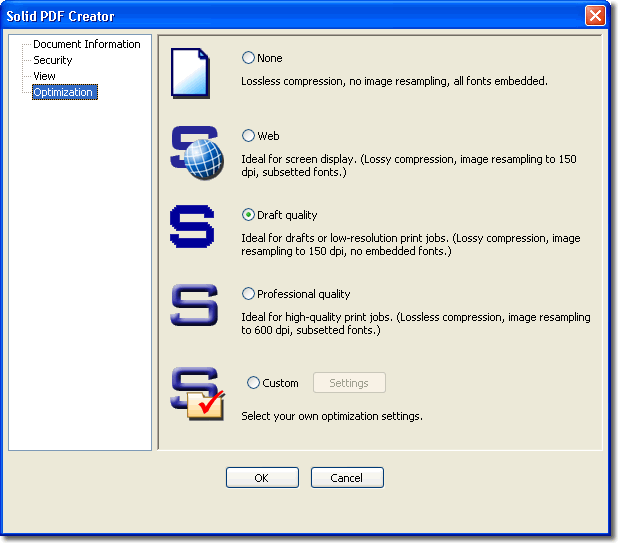
Optimization. Solid PDF/A Express allows you to control the output quality of your document based on its intended use. You can reduce the file size of draft documents, or help to ensure professional quality results when printing.
|